PALETTE STUDIO
01
02
03
04
05
06
07
7 shades · Classic blend
THE FULL JOURNEYContinuous preview
TRY A DIRECTION
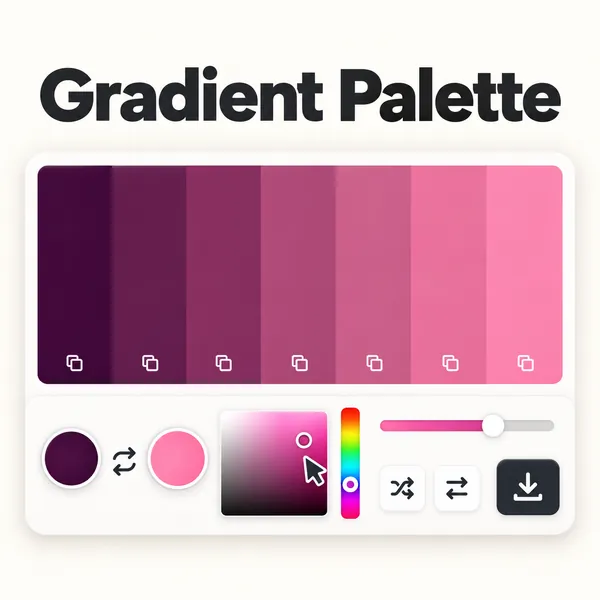
Explore the colors between. Shape a color journey, collect your favorites, and take it into your next design.
Click a shade to copy it. Your palette updates as you explore.
:root {
  --gradient-color-1: #AD4689;
  --gradient-color-2: #B84A89;
  --gradient-color-3: #C24D88;
  --gradient-color-4: #CD5188;
  --gradient-color-5: #D85587;
  --gradient-color-6: #E25887;
  --gradient-color-7: #ED5C86;
  --gradient: linear-gradient(90deg, #AD4689, #B84A89, #C24D88, #CD5188, #D85587, #E25887, #ED5C86);
}Pick your first and last colors, then choose 2–7 shades. Gradient Palette fills in the colors between them. Use the swatches for chart series, illustrations or a set of matching accents.
Click a shade to copy its HEX code. Copy CSS for your website, or export PNG, SVG or JSON for your project.
You can make and export palettes without an account. A free account lets you save them. Pro adds a third color anchor, light-corrected blending and control over shade distribution.
A smooth color transition doesn't guarantee readable text. Check each text and background pair before using it.