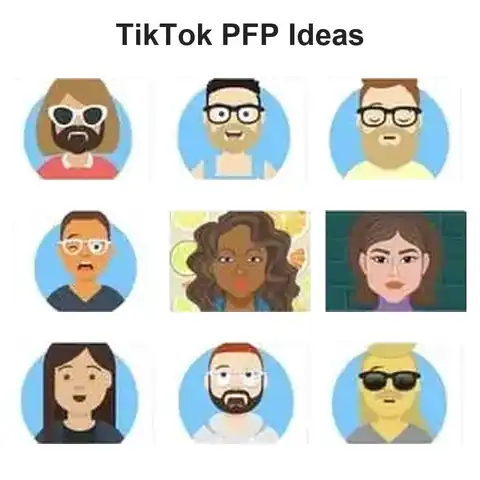
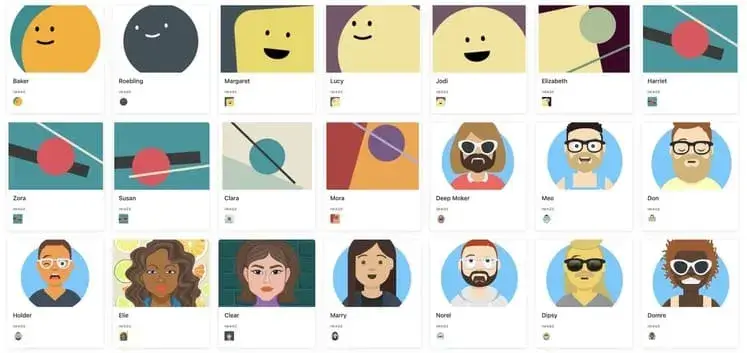
Profile avatar gallery
Browse the gallery for a starting style. The illustration below remains available if the embed does not load.
Choose what the picture needs to show
A portrait puts you in the frame. An illustrated avatar gives you room to change the hair, clothing and expression without using a photograph. For a brand account, a simple symbol may hold up better than a full logo with tiny lettering.
Keep the important detail near the center. A square image can lose its corners in a circular crop, so a hat, wide hairstyle or word at the edge needs extra space.
Three places to build an avatar
Avataaars Generator
Avataaars Generator builds illustrated portraits from selectable features. Its random button is useful for finding a starting combination; then adjust the parts that matter to your character rather than accepting every random choice.
Personas by Draftbit
With Personas, you can combine facial features, hair, clothing and accessories, customize colors and download a PNG. A shared style makes it useful when several people need individual avatars that still look like a set.
Blush
Blush offers illustration collections by different artists. Choose the drawing style first, then work within that collection’s available elements. Check the chosen artwork’s download options and license before using it.
Prepare the crop before uploading
- Use one focal point. A face and a busy background compete for the same small area.
- Preview the image at a small size. Remove lettering or accessories that stop being legible.
- Try a plain background behind the subject before adding patterns or several accent colors.
If you are changing the name as well as the picture, the TikTok username ideas can help with the other half of the profile.
Change your TikTok profile photo
In the app, open Profile → Edit profile → Change photo, choose a photo, adjust the crop and save. TikTok’s profile photo instructions describe the current upload steps.