What is The Discord Emoji Size?
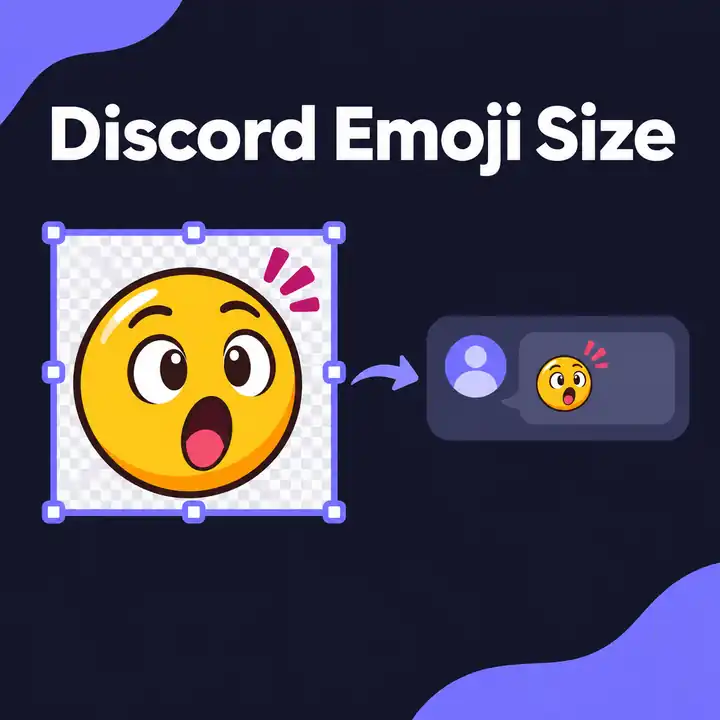
I think you want to add emoji to make the discord channel more beautiful. It may be useful to know the Discord emoji size. Good luck.
Discord has become very widespread recently. From the gaming environment to the society of technology, many communities use Discord for discussion.
Emojis are now almost everywhere on the Internet. In the early days of the Internet, the emojis were ugly. There was no standard, and the designs were very personal.
Exporting a custom emoji
Use PNG if the space around your design should stay transparent. For animation, export a GIF. If it exceeds 256 KB, try trimming the loop before reducing the size of the artwork. Discord’s custom emoji upload instructions list the supported formats and explain how Nitro or Nitro Basic unlocks animated emoji slots.
Open Server Settings → Emoji to upload the file. If you’re checking how large it looks in chat, send it once with text and once by itself. Discord’s examples show why those two messages can display the same emoji at different sizes.
Discord Emoji Examples

