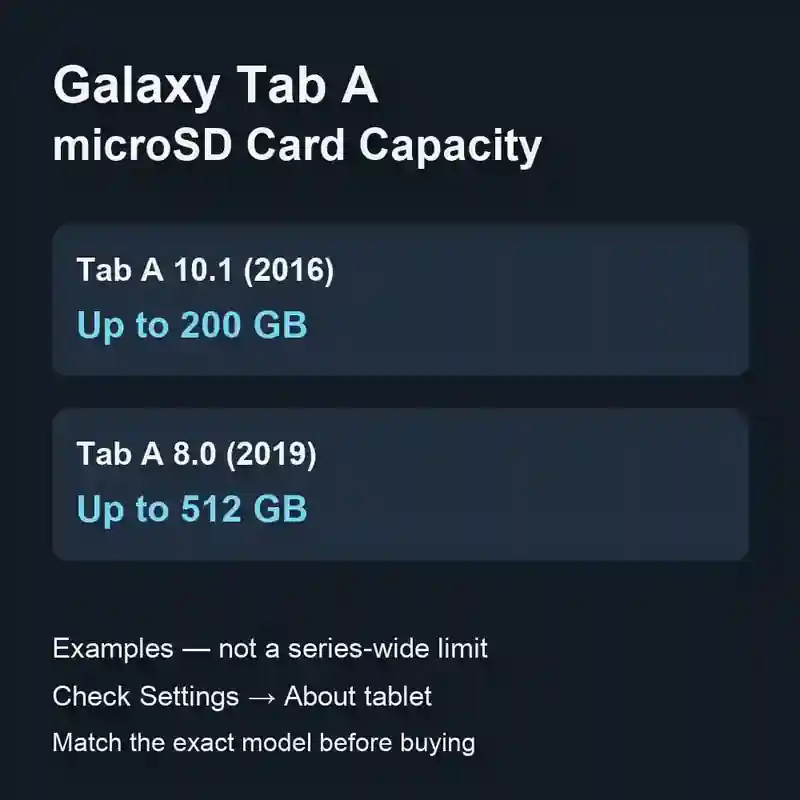
Galaxy Tab A SD Card Size
You can expand a Galaxy Tab A’s storage with a microSD card. First, check which Tab A you own: the name on the box covers several generations.
Check which Galaxy Tab A you have
Open Settings → About tablet and note the model number before buying a card. Samsung’s model-number instructions show where to find it.
| Model example | microSD capacity |
|---|---|
| Galaxy Tab A 10.1 (2016) | Up to 200 GB |
| Galaxy Tab A 8.0 (2019) | Up to 512 GB |
Samsung lists these capacities in its 2016 Tab A 10.1 announcement and 2019 Tab A 8.0 specifications. Match the year and exact model; screen size alone is not enough.
For another version, use its own Samsung specifications or manual. Samsung’s tablet memory-card table is a useful starting point, but its regional notes matter and its short model names do not identify every generation.
The card type is microSD; GB describes how much it stores. It adds space for files, not extra RAM, so a bigger card is not a promise that applications will run faster.
The tablet-versus-computer argument
The problem is that tablets invite the question: why use computers, let's use tablets? But is this a new market, or are tablets taking over parts of other markets?
Taking less space in our bag than a computer does not automatically make a product innovative. It can just make a more convenient product. Add a keyboard and a few accessories to an iPad, though, and the bag starts filling up again. Very cool.