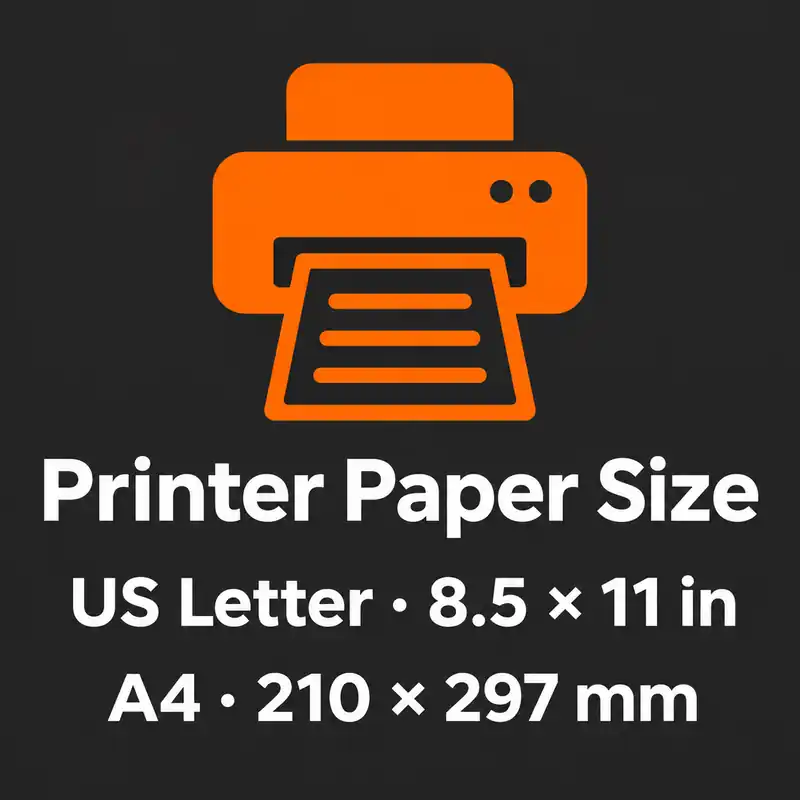
Standard Printer Paper Size
A printer can ask for paper even when the tray is full. The job and the tray may be set to different sizes.
Although we now keep our information in the cloud, a document printed on paper always gives confidence.
Do you know what is more confident than a document printed on paper?
A document was written on paper.
Writing is still at the top of the ranking of confidence, but writing is very tiring.
After writing 4 pages, your hand goes numb. And when you take a break to rest, you can't expect your ideas to take a break.
Your ideas continue to come.
But your hand is not strong enough to write those ideas.
This is proof of how hard writing is actually. The act of writing today is very easy. You can write a sentence sent to your head and then edit that sentence on your computer as you wish.
But imagine doing this job with your hand or with a typewriter. Things get a little complicated.
So the benefits that the computer adds to our lives are amazing. Of course, it is directly proportional to how we use this technology. If you use technology to achieve your goals, you will see how easy things are.
Match the tray to the print job
When you swap Letter for A4 in a tray, move the width and length guides against the stack without bending the sheets. If your printer lets you assign a paper size to the tray, change it to A4 too. HP tray setup guide
In the print dialog, choose the same paper size. If the printer asks you to load paper even though a tray is full, compare the size requested by the job with the size assigned to that tray. Check the tray compatibility chart for your printer model if you’re unsure which tray takes each size. Example HP tray compatibility chart
If the paper you have is a different size from the PDF, see the A4 and Letter print preview example.