Tumblr GIF Size Limit: Upload and Compression Rules
A GIF that uploads successfully can still lose its motion after processing. File weight, compression and pixel width each have a different job in Tumblr’s rules.
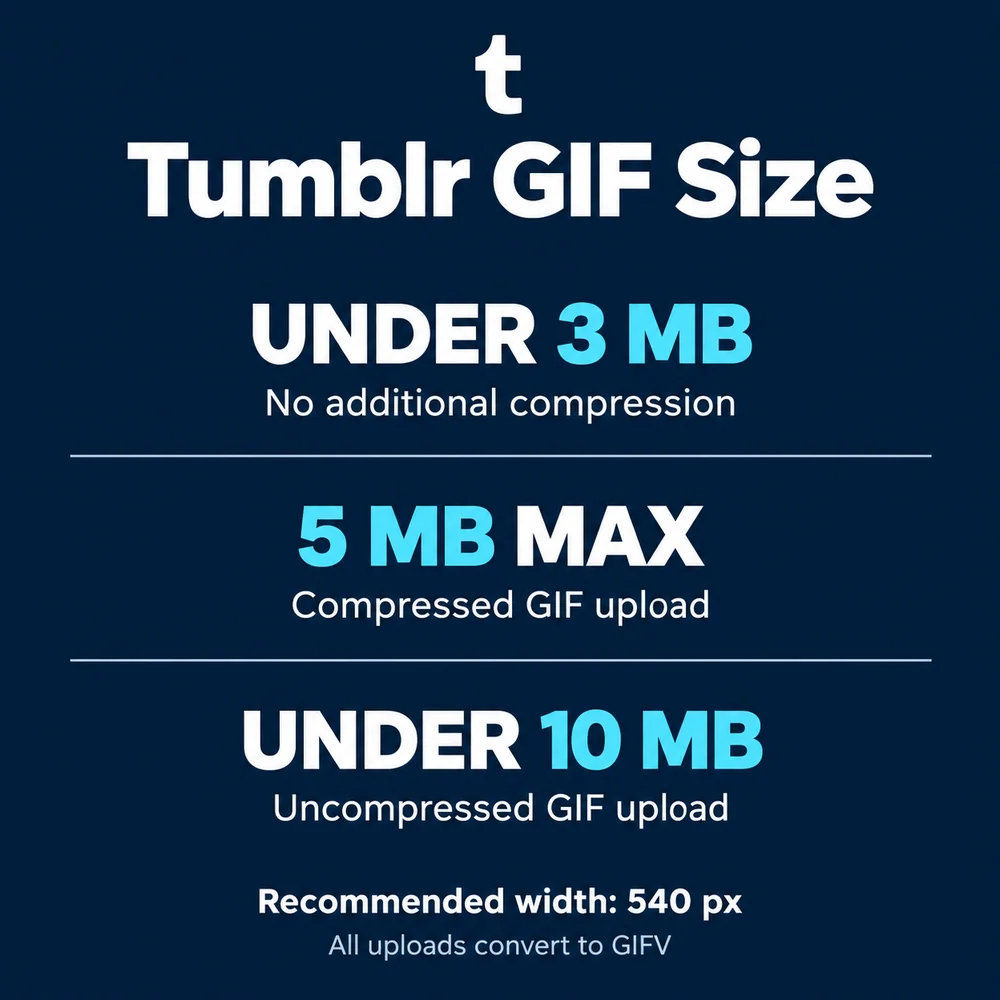
Three different numbers turn up in Tumblr's GIF rules: 3, 5 and 10 MB. They describe different conditions, so a single “3 MB maximum” misses the part that matters when you export.
Which limit applies to your GIF?
| File condition | Tumblr guidance |
|---|---|
| Under 3 MB | No additional compression; converted to GIFV |
| Already compressed GIF | 5 MB or less |
| Uncompressed GIF | Under 10 MB; Tumblr attempts compression |
| Pixel width | No more than 540 px recommended |
Tumblr's GIF guidelines also give a general 10 MB ceiling. For an uncompressed export, leave some room below it. All uploaded GIFs become GIFV, including files below the no-compression threshold.
Uploaded, but only the first frame appears?
If Tumblr cannot serve a GIF over 5 MB successfully, it may display only its first frame. The file has arrived; the animation hasn't made it through. Tumblr's image and GIF troubleshooting guide recommends reducing the file size and uploading again.
A useful next export is under 3 MB. That is a practical target for avoiding extra compression, rather than a promise that every file will work.
- Trim the loop. Keep the reaction and cut the pause before it. A raised eyebrow rarely needs a feature-length introduction.
- Reduce the dimensions proportionally. If the GIF is wider than 540 px, shrink both dimensions together so the subject keeps its shape.
- Try fewer frames or colors. Preview each export; the smallest file isn't much help if the expression has disappeared.
- Check the exported file. Confirm its actual size and animation before uploading the replacement.
Megabytes aren't pixels
540 px describes width, not file weight. Two loops with the same dimensions can have different file sizes because their length, frames and image detail differ. Keep the height in proportion to the original; the width recommendation does not require a square GIF.
This page covers GIFs inside posts. A blog portrait is a different asset: use the Tumblr avatar size guide when preparing a profile image, or the Tumblr banner size guide for the header.
A small defense of small loops
Sometimes very famous sites have ridiculous limits. There are limits that are almost impossible to understand. A short reaction loop, though, has a reasonable argument for staying small: it has one job, and it can get on with it.
A long GIF is still a GIF. But if the joke now needs an opening sequence and closing credits, a video might be the better way to share it. Are there any unhappy users? Exactly. Some things survive every export setting.