WordPress Header Image Size: Find the Right Theme Dimensions
Your header has to fit around a logo, a menu and whatever photograph looked perfect before it was cropped. The theme determines how much space each gets.
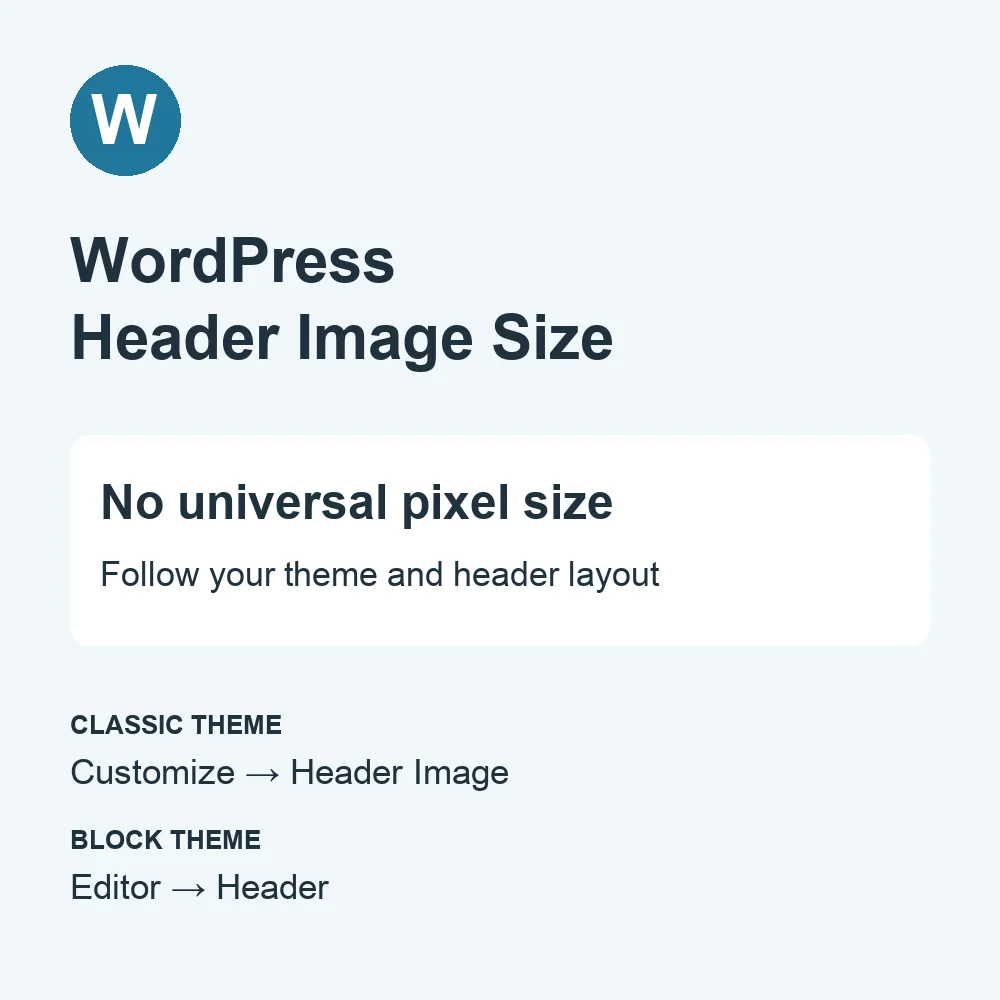
You have opened a new WordPress blog and want to change the header image. Super. Start with the theme: WordPress has no single header image size that fits every site.
Find the size in your own theme
Open Appearance in the dashboard. The next step depends on which editor your theme provides.
- Classic theme: go to Appearance → Customize → Header Image. If the theme supports this option, look for its recommended width and height before preparing the image. Upload a matching image or a larger one you can crop.
- Block theme: go to Appearance → Editor and open the Header template part. Select the Group containing the logo and navigation to add a background image. A standalone banner above or below them can use a Cover block instead.
WordPress.com’s header image instructions cover both routes. If Header Image is missing from a classic theme’s Customizer, that theme does not support the option.
For a concrete example, the Learn WordPress Customizer lesson shows Twenty Sixteen recommending 1200 × 280 px. That is a theme-specific example, not a replacement rule for every WordPress header.
Keep the photo’s subject in the header
A wide desktop banner can become a much narrower window on a phone. Choose a photo with room around its subject, then inspect the crop at both widths. Otherwise, your carefully chosen portrait may introduce visitors to one ear.
When using a Cover block, adjust its height and focal point to suit the composition. The Cover block documentation explains these controls. Keep the logo and menu readable over the image; an overlay can help when the photograph is busy.
- Crop to the header’s shape rather than stretching the photograph.
- Check the actual header on a narrow screen, including the navigation.
- Export a reasonably compressed copy and inspect it for blur before replacing the original.
A header without a coding project
WordPress makes this kind of change accessible through its editor. You can want a better-looking blog without wanting a second career debugging its header. It’s cool.
Even if Ghost catches your eye, this particular measuring job belongs to the theme you are using now. Find its header settings first; shopping for a new publishing platform can wait.